West Wood Controls
Every binding — PC, console, and mobile.
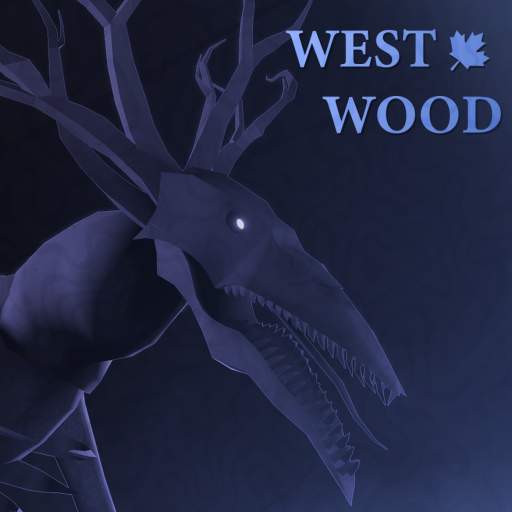
Horror games punish players who hunt keys mid-chase. West Wood publishes core bindings in its official Roblox description; this hub organizes them by platform so you muscle-memory the right inputs before night falls.
Official control summary
PC: Backspace drop, G contracts, H accessory activation, Left Shift sprint, T unlock mouse.
Console: B or Circle drop, Y or Triangle contracts, D-Pad Down accessories, left stick press sprint.
Platform pages
PC Controls — default keyboard and mouse for most YouTube guides and competitive squads.
Console and Mobile Controls — Xbox layouts plus mobile touch notes.
Controls tied to survival
Drop (Backspace/B) clears inventory before sprint escapes. Contracts (G/Y) should fire at spawn — Contracts Guide. Accessories (H/D-Pad Down) include utilities you must test in daylight. Sprint is emergency only — Survive the Night.
Rebind and UI tips
Roblox allows some client settings; West Wood-specific menus may add buttons on mobile. If unlock mouse (T) feels sticky during hide phases, practice toggling before real nights.
Related reading
New players: Getting Started. Veterans optimizing routes: Co-op Tips for callouts matching control actions.
Practice drill before ranked nights
Spend one daylight cycle pressing each binding without looking: drop, contracts, accessory, sprint, mouse unlock. Muscle memory prevents panic mis-clicks when the creature breaks in.
Streaming and capture
Streamers should display key prompts for viewers learning West Wood — reference Getting Started on screen.
Controls takeaway
Practice bindings in daylight — muscle memory wins chases.
Practice loop
One daylight drill per binding beats ten panic nights.
Why controls matter in horror
Unlike action shooters where missing one key costs a duel, West Wood punishes forgotten bindings across minutes of tension. A player who cannot drop heavy loot before sprinting dies with full inventory while teammates escape. A player who forgets G never aligns contracts, starving the squad of soul coin direction.
Teaching new squad members
When friends install Roblox for West Wood, send them to this hub before queueing. Have each player read their platform page aloud: PC names keys, console names buttons, mobile describes touch layout. Five minutes of binding review saves entire night runs.
Remake UI watch
West Wood Group may remap menus in the remake. When Patch Notes mention UI changes, revisit both platform subpages and update muscle memory in private servers before ranked co-op nights.
Frequently Asked Questions
Quick answers to the most common questions.
What opens contracts on PC?
G — confirmed in the official game description.
How do I sprint on console?
Press the left stick down (L3).
Is mobile supported?
Yes via Roblox mobile — see console/mobile page for touch layout notes.
Can I remap keys?
Use Roblox client settings; in-game remapping depends on remake UI.
Who updates westwood.wiki?
Editors refresh when Roblox metadata or West Wood Group Discord posts change — cross-check [Official Links](/links/).